You can modify your existing entity-relationship diagram in Atlas to plan changes to your data model without affecting your actual data.
In the Data Modeling tab, you can:
Add or remove collections
Rename collections
Note
Any changes you make to your entity-relationship diagram don't affect your actual database.
Procedure
The following steps describe how you can add, edit, and remove collections in your entity-relationship diagram:
In Atlas, go to the Data Explorer page for your project.
If it's not already displayed, select the organization that contains your project from the Organizations menu in the navigation bar.
If it's not already displayed, select your project from the Projects menu in the navigation bar.
In the sidebar, click Data Explorer under the Database heading.
The Data Explorer displays.
Add a new collection.
To add a new collection, click the plus icon in the upper-left corner of the diagram canvas. Clicking this icon opens a drop-down menu with two options:
Add a new collection
Select from database

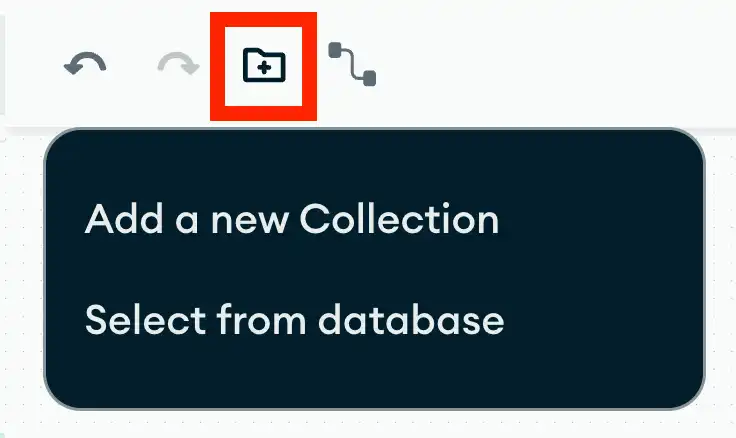
If you click Select from database, a dialog box opens that allows you to select existing collections from your database that aren't included in your diagram.
Note
If you imported your diagram or you aren't connected to the database used to generate your diagram, Atlas prompts you to select a database connection.